
· Pentora Ltd
How to Make AI Silhouette Videos: Father-Child Shorts Guide
If you want to know how to make AI silhouette videos for a calm, emotional short-video page, the quickest route is one Claude skill. The skill father-child-30sec-videogen-1080x1920 connects Claude to Higgsfield and gives you back a finished vertical MP4. Each video shows a father and his son or daughter as small silhouettes under a huge painted sky, with no text and no speech.
That matters because the pages ranking for this topic are mostly template galleries that skip creation, posting and monetization rules (Source). This guide covers all three.
What does the father-child silhouette skill make?
The skill makes one original 1080x1920 (9:16) MP4 of about 30 seconds, built from two continuous shots joined without a visible cut. It rolls a new scene and camera angle every time you run it, and ends by giving you a download link.
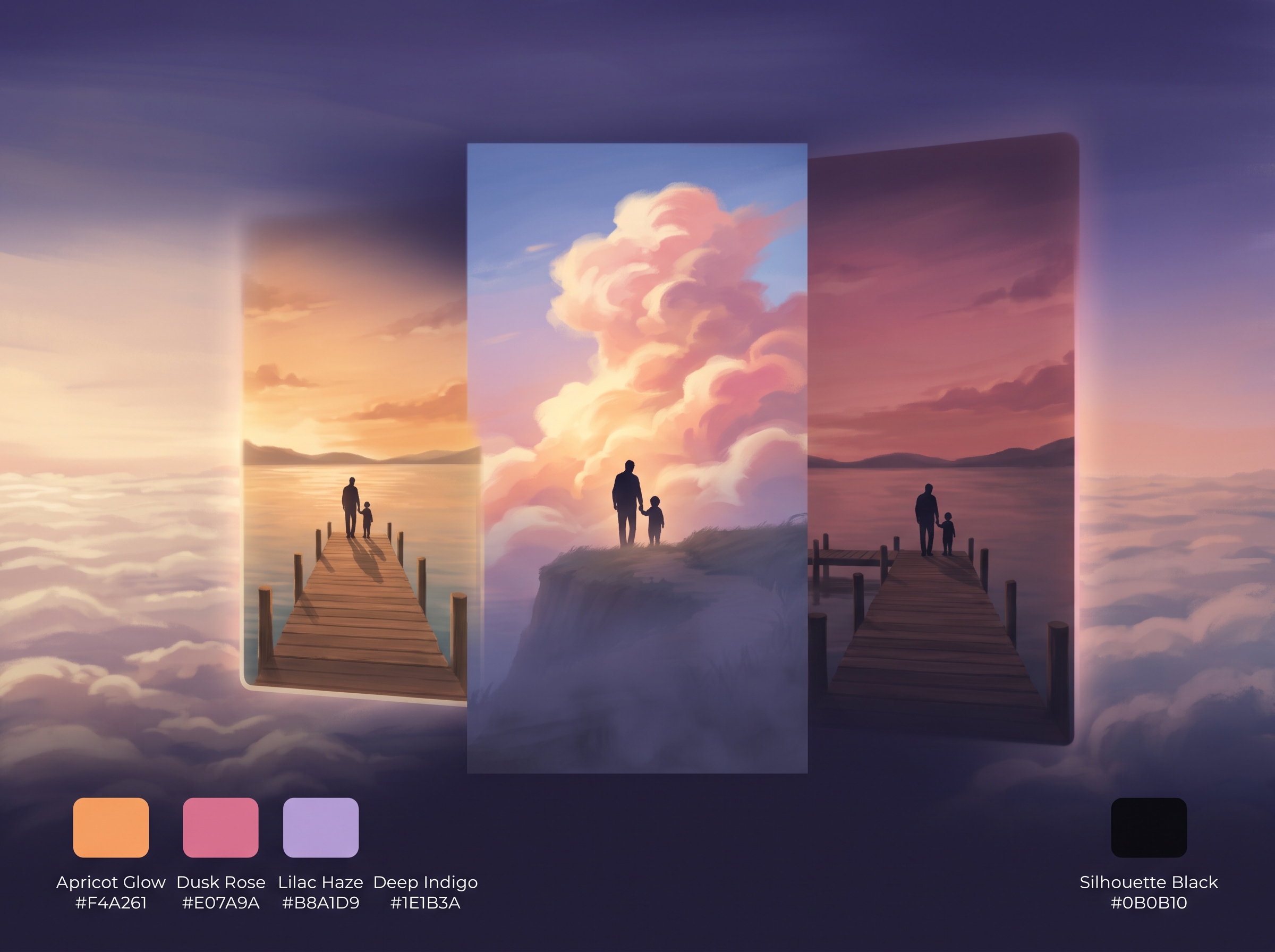
What stays the same on every run:
- Look: a hand-painted, anime-inspired background dominated by a vast, glowing, cloudy sky, with small black silhouettes of a father and a boy or girl.
- Motion: drifting clouds, shifting light, a slow camera move and one small tender gesture.
- Sound: gentle ambient music and soft natural sound, with no vocals or speech.
- Clean frame: no captions, text, logos or watermark.
What changes on every run: the setting (a jetty, rice terraces, a snowy ridge and more), the light, the camera angle, the gesture and the second shot’s camera move. It never repeats a setting-and-angle pair within a conversation.
Video length depends on your Higgsfield plan:
| Plan A | Plan B | |
|---|---|---|
| Video model | Kling 3.0 (pro mode, sound on) | Cinematic Studio Video v2 |
| Length per shot | 15 s | 12 s |
| Total length | ~30 s | ~24 s |
| Higgsfield plan | Plus or higher | Works on Starter |
| Credits | Not published; the skill checks your balance first | About 18 credits per shot, according to the skill |
The skill tries Plan A first and falls back to Plan B if your plan blocks it, telling you in one line. It makes father videos only, and if you don’t say son or daughter, it asks before generating anything.
What do you need before you start?
You need a paid Claude plan with skills turned on, the Higgsfield connector, a Higgsfield plan with credits, and the skill uploaded to Claude. Setup takes a few minutes and you only do it once.
A Claude plan that supports skills and custom connectors
Skills work on Claude’s Pro, Max, Team and Enterprise plans, with code execution and file creation switched on (Source). Custom connectors (still beta) are on the same plans. On Team and Enterprise, an owner must add the connector first (Source).
The Higgsfield connector
Higgsfield runs an official MCP server at https://mcp.higgsfield.ai/mcp. In Claude, go to Settings → Connectors, add a custom connector named “Higgsfield”, paste that URL, then connect and sign in to your Higgsfield account (Source). Connection problems have been reported publicly, so if it fails, remove the connector and add it again (Source).
A Higgsfield plan and credits
Pricing sources disagree, so check higgsfield.ai/pricing before you subscribe. A Higgsfield blog post from June 2026 lists Starter at $9 a month with 120 credits (Source). A third-party guide updated in September 2026 lists Starter at about $15 a month (billed annually), Plus at $39–49 and Ultra at $99–129. The same guide says Plus and Ultra include Kling 3.0 (Source). Higgsfield’s help centre says commercial use is allowed on every plan and that paid plans download without watermarks (Source).
Add the skill to Claude
ZIP the skill folder containing SKILL.md, then go to Settings → Capabilities, enable Skills and choose Upload skill (Source).
How to make AI silhouette videos step by step
Ask Claude for the video, say son or daughter, approve the scene plan, wait for two shots, then download the joined MP4. The skill handles every step in between.
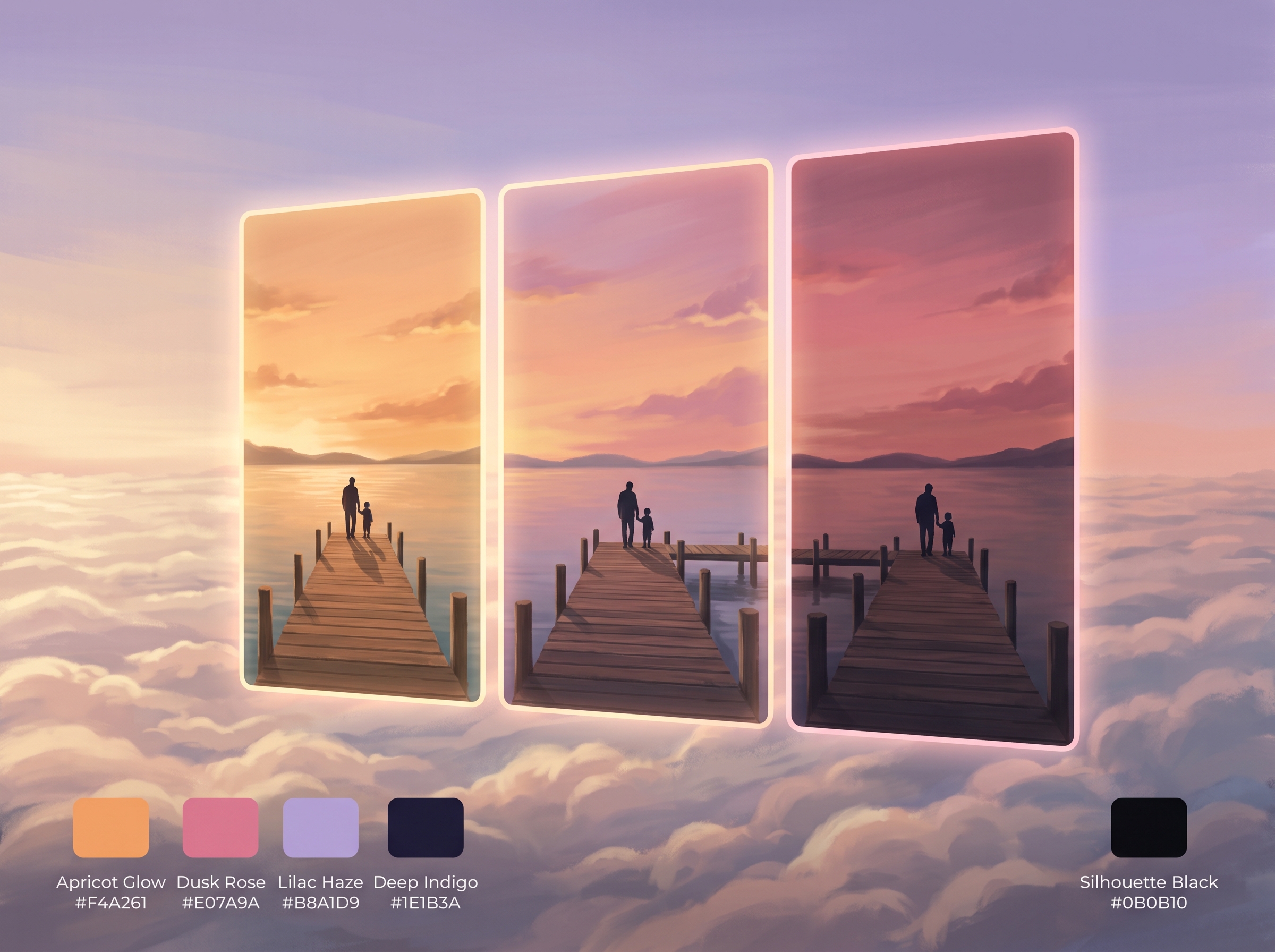
1. Start the skill
Anthropic says Claude loads relevant skills automatically based on your request (Source). Naming the skill or describing what you want is enough. Typing /father-child-30sec-videogen-1080x1920 may work in some Claude apps, but that shortcut isn’t documented for claude.ai.
An example prompt you can copy:
Use the father-child-30sec-videogen-1080x1920 skill to make a father-and-daughter video. I’d like a coastal setting at golden hour, and please place the figures near the middle of the frame, not the bottom.
2. Answer “son or daughter?”
If your prompt doesn’t say, the skill asks with two options, Son or Daughter, and waits.
3. Review the scene plan
Before generating, the skill posts a short plan: the child, setting, light, camera angle, gesture, both camera moves and Plan A or B. Ask for changes now: editing the plan is free, regenerating a shot costs credits.
4. Let it generate
The pipeline runs in four stages:
- Keyframe: a 9:16 painted still.
- Shot 1: image-to-video from that keyframe.
- Shot 2: started from shot 1’s exact last frame, so motion and light continue without a jump.
- Join: duplicate frame dropped, a 0.15-second audio fade at the seam, exported at 1080x1920 and 24 fps.
It verifies size, length and decoding before delivery, and retries a failed shot once.
5. Download the MP4
You get a download link, a one-line scene summary and an offer to roll a fresh scene.
Tips for better and more varied videos
- Be specific when you care: name a setting (“a village football field”) or a gesture (“he ties her shoe”).
- Roll again for variety: each run avoids the last run’s choices, which helps with originality rules.
- Batch a week in one conversation: seven runs give seven different scenes. MCP generations run one at a time, so allow time (Source).
How to post one video to TikTok, Reels and YouTube Shorts
Advertisement
Upload the same clean master file separately to each app, and write the text inside each app. A ~30-second 1080x1920 MP4 is well within every platform’s limits.
| Platform | Size and ratio | Length limit | Notes | UI cover at bottom |
|---|---|---|---|---|
| TikTok | 1080x1920, 9:16 | 3 s–10 min in-app (Source) | ~72 MB file limit on Android | ~34% (Source) |
| Instagram Reels | 1080x1920, 9:16 | 3 min in-app, 15 min for uploaded files | MP4, max 4 GB (Source) | ~670 px, about 35% (Source) |
| Facebook Reels | 9:16, 1080p | No limit since June 2025 | MP4, 24–60 fps (Source) | Not published; treat like Instagram |
| YouTube Shorts | 9:16 or square | Up to 3 min (Source) | MP4/MOV, up to 2 GB (Source) | Not published; keep the bottom third clear |
The skill exports at 24 fps, while some guides cite 30 fps as the Reels minimum (Source). Post one test video to each app before you schedule a batch, and check it plays smoothly.
Never re-upload a file downloaded from another app: Instagram doesn’t recommend Reels carrying other apps’ logos (Source). The skill’s watermark-free file is your master.
Keep the figures out of the safe zone
Some compositions, especially the extreme wide shot, put the figures in the lower third, where TikTok’s interface covers about the bottom 34% (Source). Ask the skill to place the figures mid-frame, or pick angles that lift them: a low angle looking up, or a side-profile against the sun.
Add hooks, captions and hashtags in the app
No on-screen text is a feature: the master stays clean and you can write a different hook per platform. With no speech or text, your caption and hashtags are the main signals platforms read. TikTok now treats hashtags as search keywords, and 3–5 hashtags is the common recommendation (Source). Add an on-screen hook with each app’s text tool. It only needs to hold attention for the first 2–3 seconds (Source).
Keep the original ambient audio
The skill’s own ambient track is the safest choice. TikTok Business accounts are limited to the Commercial Music Library, but your own audio works on every account type (Source).
Do you need to label AI videos, and can AI shorts be monetized?
Turn on each platform’s AI label to be safe. You can monetize on YouTube if every video is clearly different from the last, but a ~30-second clip won’t earn from TikTok’s Creator Rewards.
AI labels
YouTube doesn’t require disclosure for “clearly unrealistic content, such as animation” (Source). TikTok requires labels on realistic AI content and reads C2PA metadata to label AI content automatically (Source). Meta auto-applies an “AI info” label from AI metadata (Source); sources differ on whether Meta requires disclosure, so label it anyway.
YouTube’s “inauthentic content” rule
In July 2025, YouTube renamed “repetitious content” to “inauthentic content”. The rule now explicitly covers AI videos made from generic templates and videos that are “interchangeable from video to video”. A series in which each episode has a distinct storyline is allowed (Source). The randomizer helps; a storyline or caption series makes each Short its own moment.
Monetization thresholds
- YouTube: 1,000 subscribers plus 10 million qualified Shorts views in 90 days for ad revenue (Source). A fan-funding tier opens at 500 subscribers plus 3 million Shorts views (Source).
- TikTok: Creator Rewards pays only for videos at least one minute long and requires a Personal account (Source). Your ~30-second clips won’t earn from it unless you join two or three into a one-minute cut.
- Facebook: Content Monetization is currently invite-only (Source). Meta counts content as original when it is “produced directly by a creator” (Source), but it hasn’t said how that applies to fully AI-generated video.
Which creators should you study?
Advertisement
Very few channels post this exact format, which leaves an opening for you. Study adjacent creators for their craft, consistency and emotional framing.
- Lofi Girl: a Ghibli-inspired painted scene whose sky shifts to show time passing, with ambient music and no dialogue. It has about 15.8M YouTube subscribers across its channels (Source). What it teaches: a recurring character and visual identity become the brand.
- Waneella (Valeriya Sanchilo): ambient, music-backed pixel scenes built from real Japanese street references, with 250K+ followers (Source). What it teaches: treat light and sky as the main subject.
- Primitive Technology: no dialogue and only natural sound, with captions explaining the action. It had 11M subscribers by June 2025 (Source). What it teaches: text can carry the story of a wordless video.
- Rob Kenney, “Dad, how do I?”: viewers cry because they’re “missing a dad moment maybe they never had” (Source). What it teaches: write captions to the viewer as the child.
- Paul Trillo, shy kids, Don Allen Stevenson III: early Sora filmmakers who curated and colour-matched many clips; “The technology is nothing without you.” (Source).
- Jacob Adler: Runway AI Film Festival 2025 gold winner with drifting, surreal imagery (Source). What it teaches: taste.
- @Atimeon (AI Anime Shorts): posts new anime Shorts every day in one tight theme (Source). What it teaches: a consistent daily cadence.
- Razvan Paraschiv: says he posted 107 videos before serious returns (self-reported) (Source).
The cautionary case: in January 2026, YouTube removed CuentosFacianantes, a channel with more than 1.2B views built on low-quality Dragon Ball-themed videos (Source). Borrowed franchises plus mass repetition is the pattern to avoid: be inspired by a style, never copy it.
Father-daughter and father-son silhouette video ideas
Aim for awe and warmth rather than pure sadness. One study of New York Times articles found awe-inspiring content was especially likely to be shared, while sad content was shared less (Source). It studied news articles, not shorts, so treat it as a guide. End each video on pride, not grief.
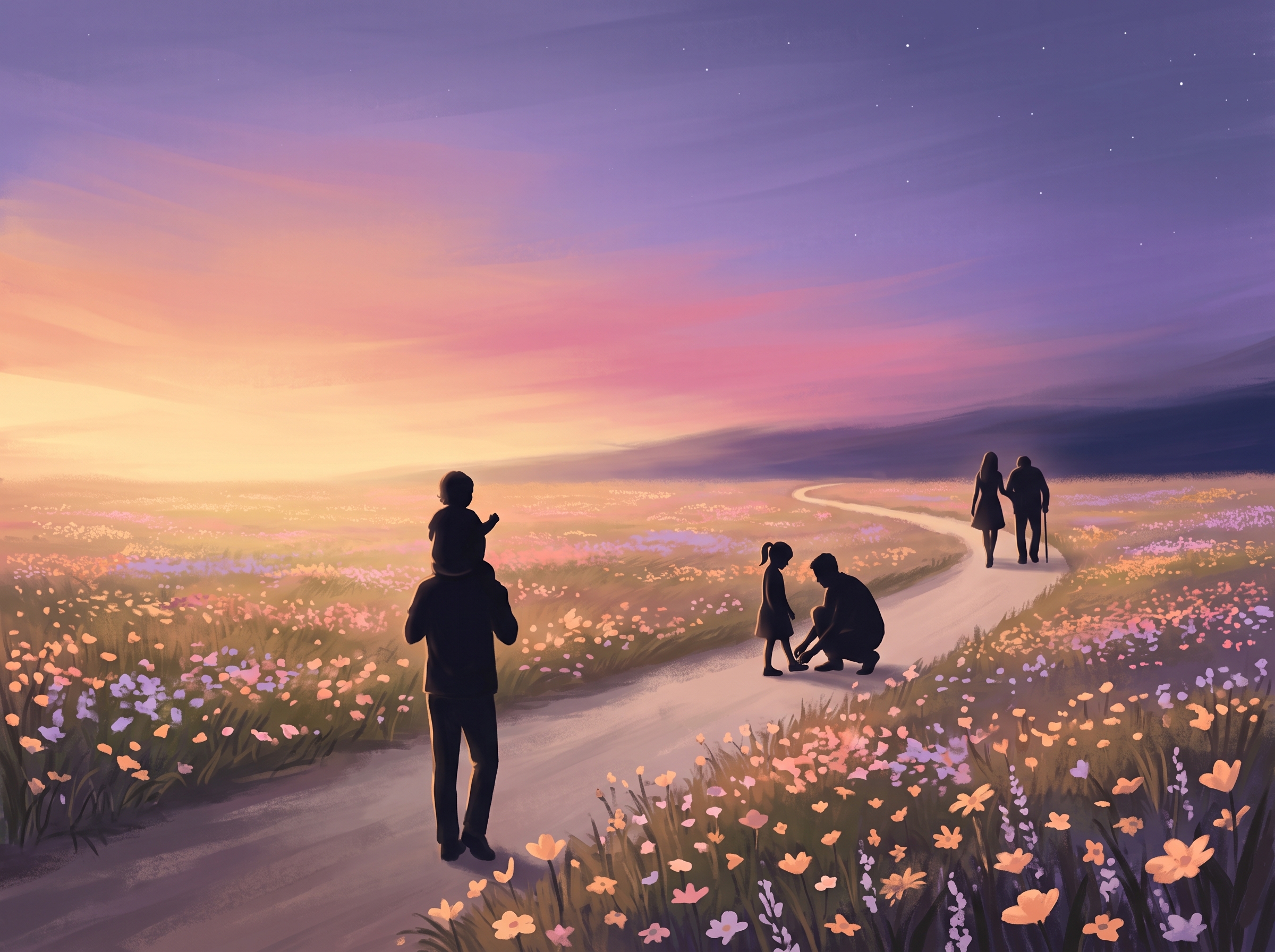
Series ideas:
- “Dad’s promises”: one promise per video as the on-screen hook (“I’ll always come to your games” over a football-field scene).
- Milestone captions: “Year 1… Year 18”, matching gestures to ages (shoulders, then a shoe-tie, then walking side by side).
- Seasonal settings: snowy ridges in winter, wildflower fields in spring, beaches at golden hour in summer.
Frequently asked questions
Do I need editing skills to use this Claude skill?
No. The skill generates, joins and checks both shots for you. You type a request, answer “son or daughter” and approve the plan.
How much does one video cost?
On Plan B, about 18 Higgsfield credits per shot, so roughly 36 credits plus the keyframe image. Plan A’s Kling 3.0 cost isn’t published in our sources; the skill checks your balance before generating.
Can I post the same video on TikTok, Reels and Shorts?
Yes. Upload the clean master natively to each app, never a copy downloaded from another platform with its watermark.
Do I have to label these videos as AI?
YouTube exempts clearly unrealistic animation, and TikTok focuses on realistic AI. Both platforms and Meta can still apply labels automatically from metadata. Switching the label on yourself is free and removes the risk.
Can AI silhouette shorts be monetized?
On YouTube, yes, if each video is meaningfully different and you hit the thresholds. TikTok Creator Rewards needs one-minute videos, and Facebook is invite-only.
Can the skill make mother or grandparent videos?
No. It is built for fathers only, with a son or a daughter, and stops if you ask for anyone else.
Start with one scene, then build a series
Set up the connector and skill, generate your first scene, and post it with a caption that speaks to the viewer. Then plan a seven-video series around one theme so every upload tells a different moment: that variety keeps your page original and your viewers returning.
Want the skill itself instead of building it yourself? Get father-child-30sec-videogen-1080x1920 in the Skill-Store.